
ExcelizedFree consultation
PRIVATE 1:1 TRAINING

Build useful skills around the work you actually do.

Choose a topic below, then send an inquiry. The content, examples, and pace are adapted to your experience and goals—without a crowded course checkout.

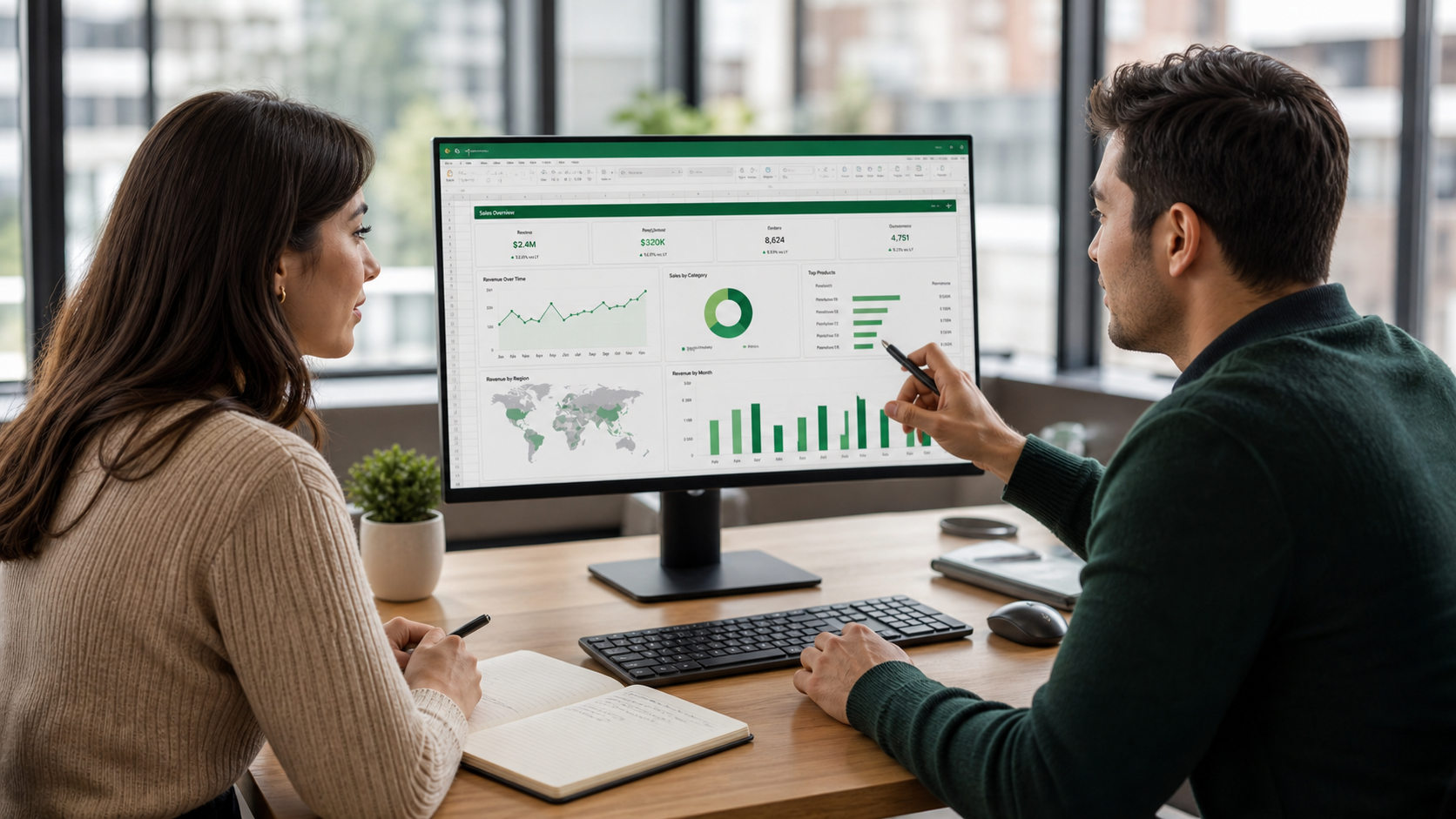
Private analytics training session with a dashboard on screen
Private by defaultFlexible 1:1 guidance, not a generic public class.
Approximate durationTiming can be adjusted after the goals are clear.
Public resourcesHandouts are linked openly when they are available.
01
Power BI

Power BI Dashboard Workshop

Approximately 3 hours

Hands-On Project, Real-World Learning for intensive Power BI users.

Who it is for

  • Analysts and reporting professionals
  • Business users who want a practical Power BI workflow

What you will work on

  • Structure a useful report
  • Prepare data for analysis
  • Build and refine interactive visuals

Included

  • Private live 1:1 session
  • Worked examples
  • Questions based on your reporting context
  • Follow-up summary

Before the session: A Windows computer with Power BI Desktop installed and basic familiarity with tables or reports.

02
Power BI

Power BI Service Basics Training

Approximately 2 hours

Learn how Power BI works after publishing.

Who it is for

  • Power BI Desktop users moving into the Service
  • People responsible for publishing or sharing reports

What you will work on

  • Understand workspaces and apps
  • Publish and share more confidently
  • Recognize refresh and permission basics

Included

  • Private live 1:1 session
  • Guided Power BI Service walkthrough
  • Practical publishing examples
  • Follow-up summary

Before the session: Access to a Power BI account is recommended so the examples can be followed live.

03
Excel

Excel Basic Course

Approximately 2 hours

Learn Excel by doing — from raw data to confident reporting.

Who it is for

  • New Excel users
  • Business users who want a stronger day-to-day foundation

What you will work on

  • Organize and navigate data confidently
  • Use essential formulas and references
  • Create clear, reusable reports

Included

  • Private live 1:1 session
  • Guided exercises
  • Practice-focused explanations
  • Follow-up summary

Before the session: Excel for Windows or Mac and no prior advanced knowledge.

04
Power BI

Power BI Crash Course

Approximately 2h 30m

Go from zero to interactive dashboards in one day — no prior Power BI experience needed.

Who it is for

  • Beginners who want an end-to-end introduction
  • Excel users moving into Power BI

What you will work on

  • Import and prepare source data
  • Understand the model-to-report workflow
  • Create an interactive dashboard

Included

  • Private live 1:1 session
  • End-to-end worked example
  • Time for questions
  • Follow-up summary

Before the session: A Windows computer with Power BI Desktop installed. No previous Power BI experience is required.

05
Power Query

Power Query Beginner Bootcamp

Approximately 2h 30m

Turn messy data into meaningful insights – faster, with Power Query.

Who it is for

  • Excel or Power BI users who clean data manually
  • Beginners who want repeatable transformations

What you will work on

  • Connect to common data sources
  • Clean and reshape messy tables
  • Build refreshable transformation steps

Included

  • Private live 1:1 session
  • Guided transformations
  • Practical exercises
  • Follow-up summary

Before the session: Excel for Windows or Power BI Desktop. No M-code experience is required.

06
Excel

Excel Tables Course

Approximately 3 hours

Master Excel Tables — from Ctrl+T to dynamic dashboards in one focused course.

Who it is for

  • Excel users who work with growing data ranges
  • People building trackers, formulas, or dashboards

What you will work on

  • Create and manage Excel Tables
  • Use structured references
  • Build more reliable formulas and reporting ranges

Included

  • Private live 1:1 session
  • Guided exercises
  • Practice files where provided
  • Follow-up summary

Before the session: A working knowledge of basic Excel navigation and formulas is helpful.